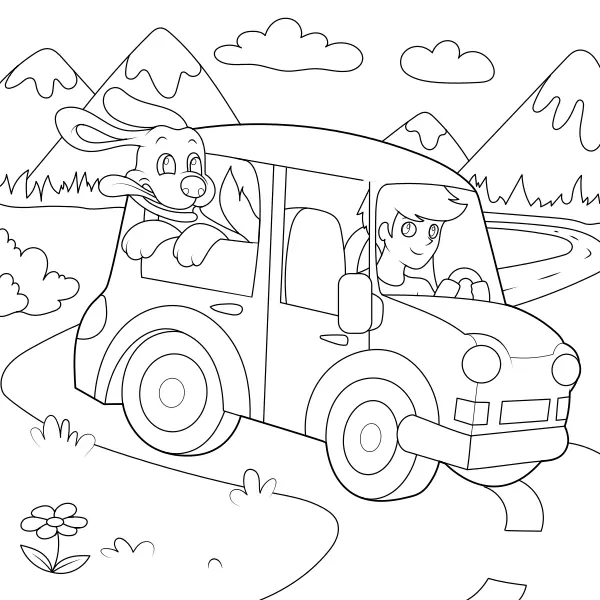
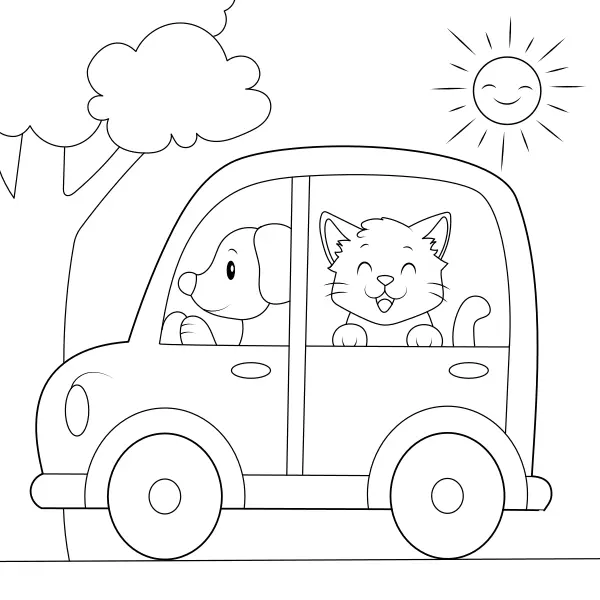
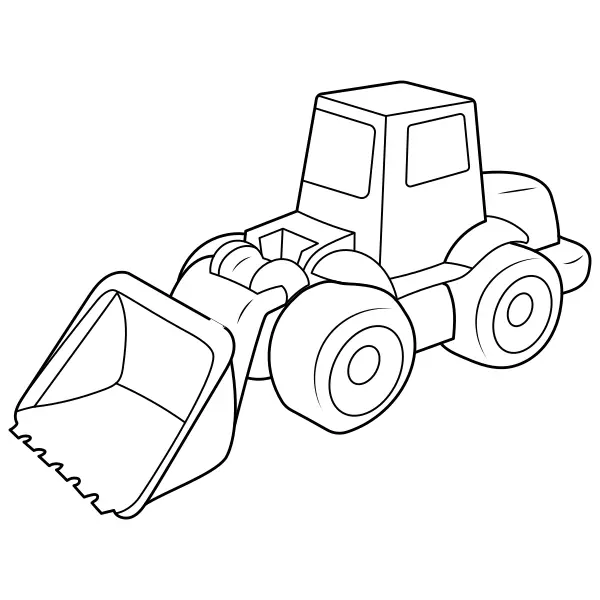
The theme of this coloring page is Police car. It belongs to the category: car, For kids, transportation.
Color it online right on your phone or computer. This children’s coloring page is also available for free in a printable version. You can print or save the blank coloring page as well as the one you color online. Thanks to our magic palette you can mix any color you like. We wish you lots of fun coloring.
All our children’s and anti-stress coloring pages can be colored completely free online, right on the screen of your phone, tablet, computer or laptop. Creativity knows no limits, thanks to our magic palette you can mix any custom color or a two-color transition – gradient and create a unique, one-of-a-kind artwork. You can save all colors and gradients to your favorites and create your own custom palettes. Finally, you can save your colored (or blank) coloring page and show it off to your friends or family.
Do you like our original coloring pages? We’d be delighted if you support our work and help the site keep growing. You can buy our products, follow us on social media, share your creations, or recommend our coloring pages to your friends and family. Thank you from the ♥ for any form of support.
Have some more fun with one of our other coloring pages. What do you think of these, sound good? Or maybe you’d rather browse our extensive catalog of pictures to color. You’ll find coloring pages for kids as well as anti-stress coloring pages for adults.
Do you like our pictures, have an idea for a new coloring page, or just want to tell us something? Leave us a message and our authors will happily read it. We’ll definitely bring the best ideas and suggestions to life. We look forward to every message from you. :o)
We use technologies like cookies to store and/or access device information in order to provide the best experiences. Consenting to these technologies will allow us to process data such as browsing behavior or unique IDs on this site. Not consenting or withdrawing consent may adversely affect certain features and functions.
Choose one of our products in our shop. You’ll get unique, jam-packed collections of our best coloring pages.
The simplest and also free way to support us is to recommend us to your friends, family, or anyone who might find our coloring page site useful and helpful. We thank you from the heart for every share. ♥♥♥
Do you like our work and have relevant products or services we could present to our users? Or are you interested in another form of partnership, such as having custom coloring pages created for your company? Don’t hesitate to contact us.
Save your colored coloring page along with a dedication, which will appear right in its footer. You can then print it and give it to your parents, friends, family, or anyone you’d like to make happy.
You can publish your artwork in the gallery of the best creations. After review and approval by an administrator, your colored coloring page will be published on our website.
It’s really simple. Pick a color, click on it, and then just tap the areas you want to color in with the chosen color. On a computer you click with the mouse, and on mobile or tablet you tap with your fingers. You can also zoom in on the coloring page so you can color even the smallest areas.
When you want to change the color, simply pick another one and keep coloring. If you happen to make a mistake, no worries — just click the undo button and you’ll go back one step at a time.
If you don’t like your whole creation, click the clear button and you can start
Our coloring pages let you mix any custom color you like. How does it work?
The magic palette includes a “Custom color” button. When you click it, a menu opens for choosing any color you like. Once you pick the color you want, you can use it right away to color the coloring page.
You can save your custom colors under “Favorite colors” and this way build a palette of 12 colors for each coloring page.
Our coloring pages let you mix any gradient you like – a color transition made up of two colors. How does it work?
The magic palette includes a “Gradient” button. When you click it, a menu opens for setting up the gradient. To build a gradient, choose color no. 1, color no. 2, and set the angle in which they should run. You can then use this gradient directly to color the coloring page.
You can save your color gradients under “Favorite gradients” and this way build a palette of 12 gradients for each coloring page.
While coloring a coloring page, you can zoom in and out within a range of 50 – 1000%.
On a computer you can use the mouse wheel or the “+” and “-” buttons located on the magic palette.
On mobile and tablet you can use the classic pinch-to-zoom gesture or the “+” and “-” buttons located on the magic palette.
You’ll see the current zoom level displayed on the “Reset zoom” button. If you want to return the image to its default size, use this button and the image will go back to its base 100%.
To undo your steps while coloring, you have “Undo”, “Redo” and “Clear” available.
Your steps are remembered by the browser until the next browser refresh. After that, your last coloring state is automatically saved, so you won’t lose your artwork, but the previous steps will be forgotten.
If you want to print a coloring page and color it on paper, simply click the “Save blank” button. A print-quality PDF of the picture will be downloaded to your device, which you can then print out and color in with crayons or colored pencils.
All PDF files are optimized for trouble-free printing in A4 format.
You have 3 options for saving a coloring page.
Save blank – clicking this button downloads a PDF with the blank coloring page.
Save colored – Clicking this button downloads a PDF with the colored coloring page.
Save with dedication – Clicking this button shows you the option to write your dedication, which will then appear directly in the PDF file with your colored picture once downloaded.
All downloaded PDFs are optimized for trouble-free printing in A4 format.
The system continuously automatically saves your coloring progress directly in your browser. After a refresh or closing the browser and reopening the coloring page, the last coloring state will load automatically, so you don’t need to worry about losing your artwork.
You can also always save your creation as a PDF.
You can share and send your creation to friends by clicking the “Share colored” button. Clicking the button loads the colored picture in the system share dialog of your phone, tablet, or computer, and you can then share it via your favorite social network, email, or any other available and preferred method of communication directly from your device.
You can also share your creation with other users and publish it on our site. By clicking the “Publish colored” button, you can request to have your picture published on the site. Then, after review and approval by an administrator, the picture will appear in the image gallery and in the coloring page’s detail view.
We don’t publish every creation, only the best ones. So if you don’t make the selection this time, don’t worry, you can always try again. :o)
Tip: If you want a better chance of getting your creation published, try coloring and requesting publication for pictures that have few or no published user creations yet.
Write to us and tell us what coloring page you’d like, and if our illustrators like your idea, there’s a good chance they’ll bring it to life and it will appear on the site.
Unfortunately we don’t have the capacity to bring every idea to life, but we always try to listen to our users and do our best to make the most requested pictures appear among the coloring pages.
If you’d like to have custom coloring pages made for your company or event, don’t hesitate to contact us as well.
Our illustrators put a lot of work into creating the coloring pages, so their distribution is subject to license terms.
If you plan to use our pictures for commercial activities, as part of your work or thesis (e.g. bachelor’s, master’s, or doctoral thesis, publication), or for any purpose other than personal use, please make sure to review the terms of use or write to us.
Using the coloring pages is generally possible only with our consent, while keeping all elements that reference our website (logo, link, QR code, etc.) intact and including a backlink to our website.
If you’re interested, we can provide you with a license to use the pictures for commercial purposes as well, and also create custom coloring pages for your business.